

Online Booking Calendar for Seafood Restaurants
A good seafood restaurant fills up fast on weekends, with large families and groups celebrating something. Reserdom gives you a simple online booking calendar so those tables organize themselves, without the phone ringing off the hook.
- tables
- diners
- turns
- capacity

Advanced on the inside. Easy for you.
Less time coordinating. More time serving clients.
Digitalization for small businesses has reached seafood restaurants in the Dominican Republic: bookings, hours and clients in one place.
What's happening to you today
The seafood restaurants headaches nobody talks about.
Large families arrive without warning about their real size
They book for six and show up as ten, or the other way around, and without clear control over guest count per table, the dining room gets thrown off right when it's fullest.
The phone can't keep up on weekends
On Saturdays and Sundays, calls pile up, and while someone answers the phone, another customer who walked in stands waiting with nobody to help them.
Combined tables get jotted on paper and lost
When tables need to be pushed together for a large group, the note stays on a loose piece of paper that sometimes never reaches the server on shift.
How RESERDOM solves it
Your schedule, in your own words.
Reservations with the exact number of guests
Every reservation in Reserdom asks how many people are coming, so the team sets up the right table ahead of time instead of improvising when the group arrives.
Fewer calls, more direct bookings
Customers reserve from their phone with no need to call, freeing up the phone line for whatever's urgent that day.
Combined tables planned in advance
Large-party reservations get flagged in the system ahead of time, so combined tables are ready before the guests arrive.
Features you'll actually use.
- Reservations with guest countCustomers indicate how many people are coming, avoiding last-minute surprises on the floor.
- A clear weekend calendarSee at a glance how many reservations there are for Saturday and Sunday, your busiest days.
- Combined tables flagged in advanceLarge-party reservations get noted so the team can push tables together before they arrive.
- Automatic confirmationCustomers get a confirmation when they book, so there's no doubt their table is held.
- Guest-count historySee how many people you served each weekend, useful for planning seafood purchases with more insight.
Example in the Dominican Republic
A family Sunday in La Romana
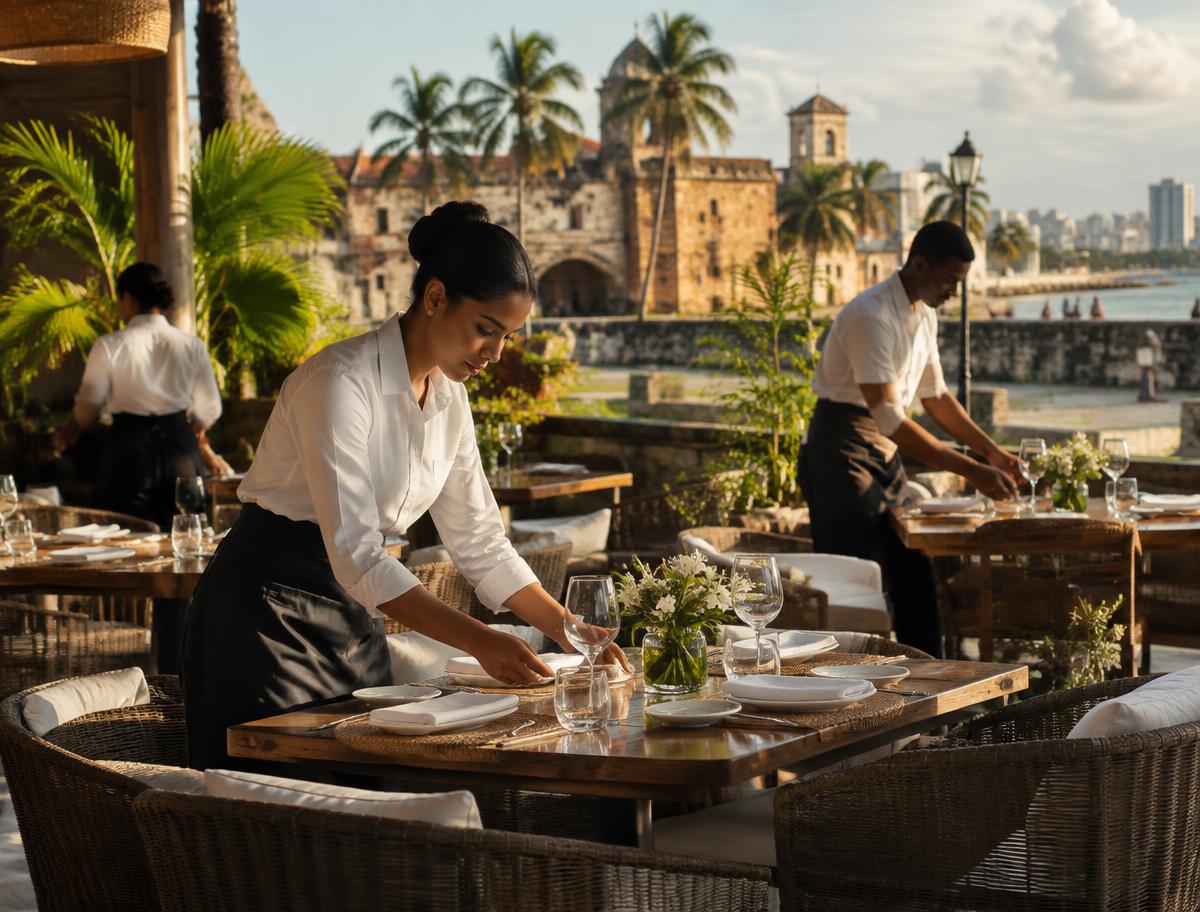
At a seafood restaurant right on the water in La Romana, Sundays always meant large families arriving after church, often without warning how many were actually coming. With Reserdom, the restaurant started asking for the guest count at the time of booking, so the team knew early on how many combined tables to set up for midday. A family that booked for eight but let the restaurant know ahead of time that they'd actually be twelve was able to update their reservation right from the same link, with no phone call needed. The server in charge of the floor arrived already knowing which tables to combine and in which corner of the restaurant, near the ocean view so often requested on Sundays. The owner says calls have dropped quite a bit, since almost everyone now books from their phone before leaving the house.
Illustrative example, not a real client case.
Pricing
Pick the package for what you need.
Resources are just one more feature of each package: a small business can pick the most complete one too.
Plus
RecommendedUS$39.99/month
Recommended: your booking page, your dashboard and your business statistics.
- Up to 20 tables
- Business statistics
- Several areas (dining room, terrace…)
- Booking admission rules
Pro
US$69.99/month
The most complete: everything in Plus, plus the features only Pro has.
- Unlimited tables
- Business statistics
- Several areas (dining room, terrace…)
- Automatic reminder to your guests before their booking
- Booking admission rules
- Featured in the Marketplace: you appear first, with a badge
Included in every plan
- Booking page with your brand
- Dashboard for your business
- Email confirmation to your guests
- Digital menu with a QR code for your tables
- No per-booking fees
Every plan starts with a 7-day free trial. Prices in US dollars, taxes included.
Compare the plans
| What's included | Plus | Pro |
|---|---|---|
| Tables | Up to 20 tables | Unlimited tables |
| Business statistics | Included | Included |
| Several areas (dining room, terrace…) | Included | Included |
| Automatic reminder to your guests before their booking | Not included | Included |
Questions from seafood restaurants
Still have a question? Write to us at hola@reserdom.com and we'll answer straight away.
Can I ask for the guest count at the time of booking?
Yes, every reservation includes how many people are coming, so the team prepares combined or single tables based on the group that's arriving.
Does it handle Sundays, which are the busiest days?
Yes, you can control Sunday-specific capacity or any other peak day without changing anything for the rest of the week.
What happens if a customer changes the number of guests after booking?
They can let you know, and the team updates the reservation from the dashboard, so tables get adjusted before they arrive.
Can I block off specific tables near a view or window?
Yes, you can organize tables by area of the dining room, so best-view reservations are managed separately if you prefer.
Is Reserdom's pricing for seafood restaurants available yet?
Not yet, but it's coming very soon. You can join the waitlist to find out as soon as it's published.
Let your clients book themselves.
Join the waitlist and get your business's schedule ready before anyone else.
Get started